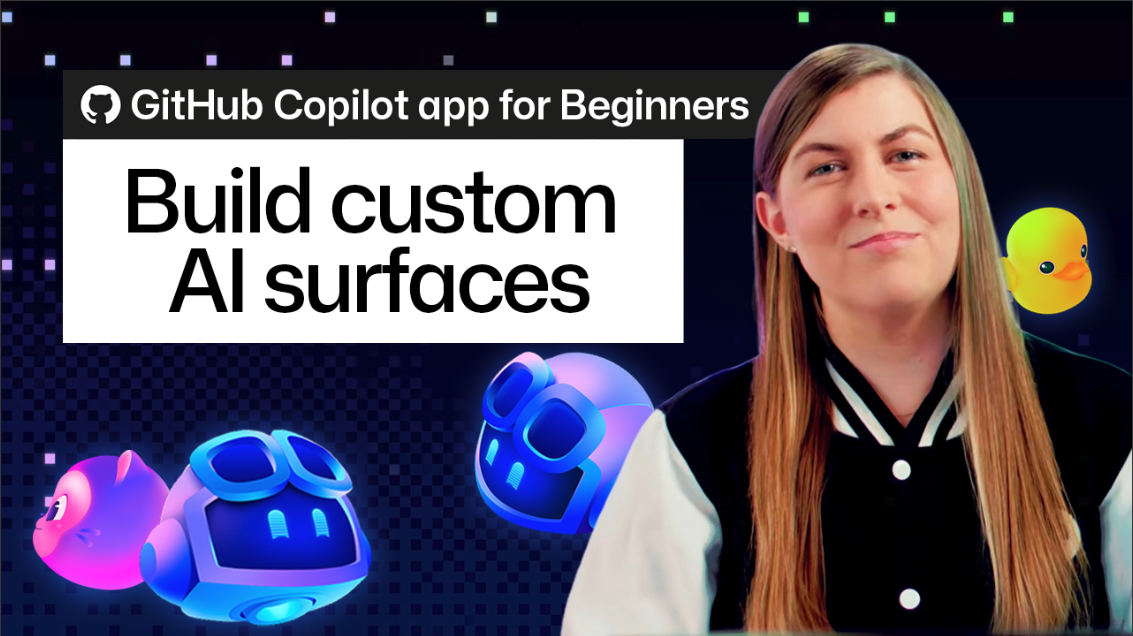
Most tools give you fixed screens to work with. But with canvases in the GitHub Copilot app, you can start with your ideal workflow. A canvas is a customizable interface shared between you and the agent. It can be a kanban board, checklist, or dashboard. You describe what you want in plain English, and the agent builds it for you.
Creating a canvas is simple. Open an agent session, type /create-canvas, and explain your needs. The agent then generates the interface in the right-side panel. You don’t need to write code or design files. You can keep refining the canvas until it fits your work.
Once created, your canvas is saved as an extension. You can reuse it or share it with your team. The interface updates instantly when you or the agent make changes. This real-time collaboration helps you work faster and more smoothly.
You can also start with community-shared templates. Install a template close to your needs and ask the agent to customize it. This makes it easy to adapt existing workflows or create new ones quickly.
This new feature makes workflows more flexible and collaborative. It helps teams stay aligned and saves time on manual updates.
Why it matters
This feature enhances productivity by enabling custom, shareable workflows that update instantly.
What to do
Try creating a simple canvas for your current project. Use /create-canvas and describe your ideal interface.