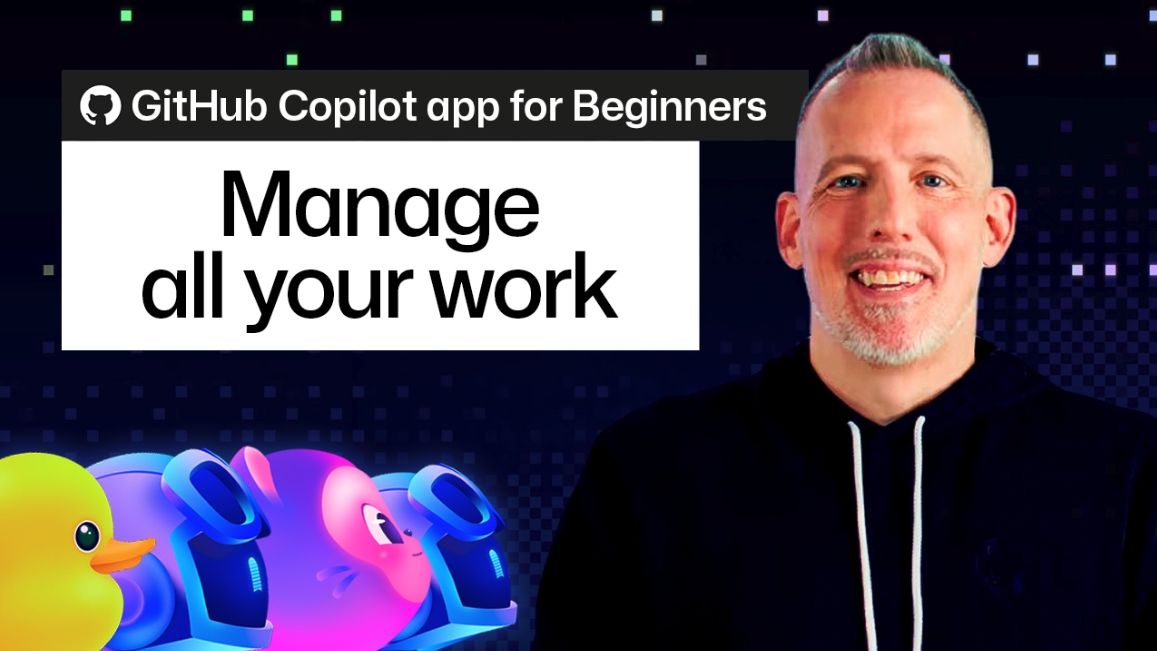
The GitHub Copilot app’s My Work pane offers a consolidated location for managing development tasks. It presents a list of all pull requests and issues currently in flight, automatically filtered based on projects the user has engaged with within the app. This pane is structured with three default views: All, Active, and Done, offering immediate insight into the status of work. Users can create custom views, defining filters such as ‘Is:Issue’ and ‘Assignee:Me’, to tailor the display to specific needs.
Beyond the default views, the app supports a list or table view for displaying items. The table view provides additional control over column selection and arrangement. Users can initiate new agent sessions directly from items within the My Work pane, providing context for Copilot’s responses. This feature is particularly useful for managing independent feature requests or grouping related bug reports.
The My Work pane includes functionality for creating new issues and filtering repositories. The repository filter defaults to ‘All Repositories’, which is scoped to projects the user has interacted with. Users can create new issues directly from the pane, triggering a new agent session with the issue as its initial context. This streamlines the process of requesting code generation for specific tasks.
The app’s design prioritizes organization and efficiency. It allows users to manage multiple tasks concurrently and easily transition between different stages of development. The centralized view minimizes context switching and facilitates a more focused workflow. Source: https://github.blog/ai-and-ml/github-copilot/github-copilot-app-for-beginners-managing-your-work/